In short
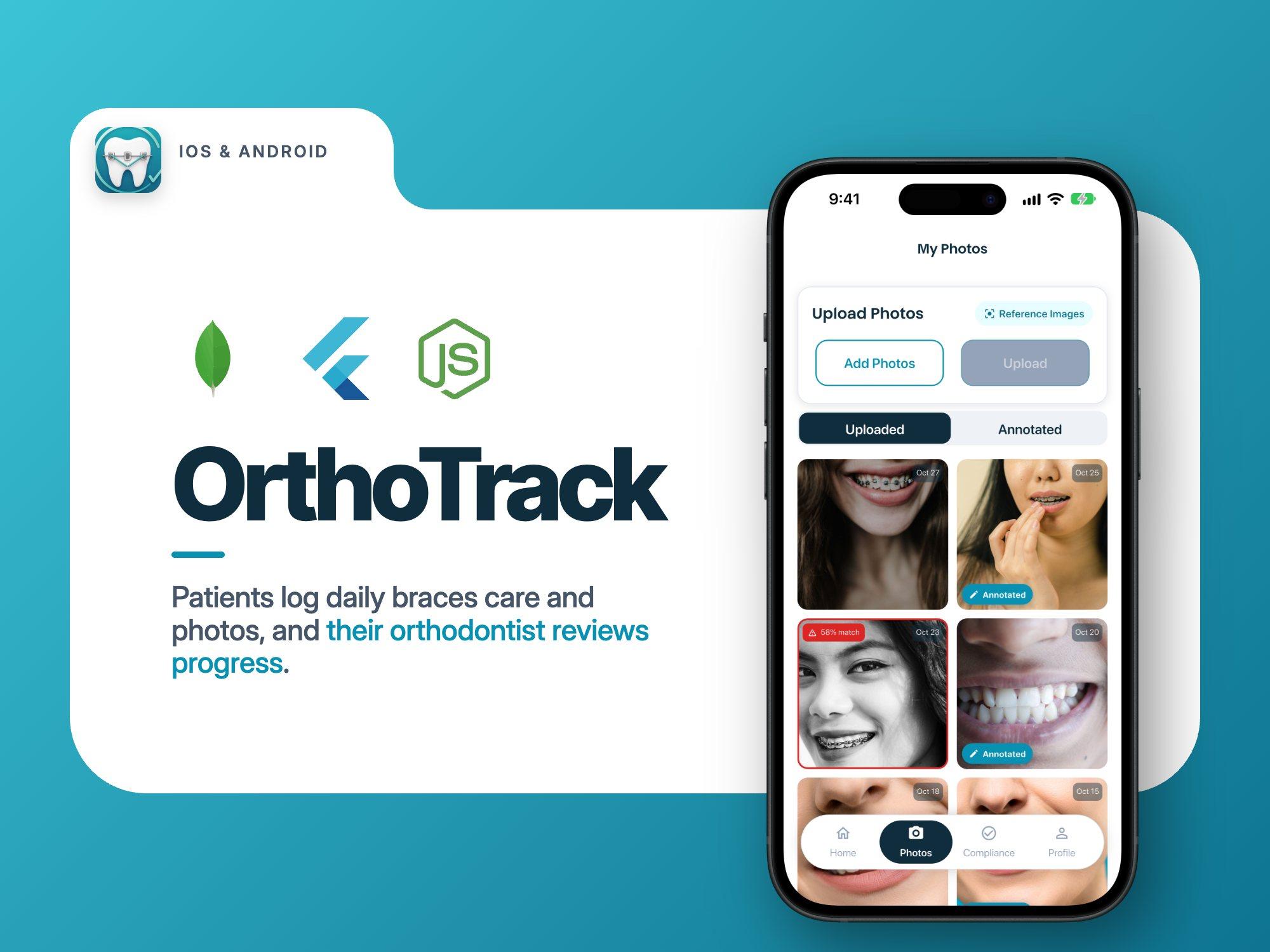
In OrthoTrack, a patient's photo upload finishes immediately. A background job then scores it against reference images the therapist assigned, using a vision model, and only a score below a threshold sends a notification to the patient and their therapist. Keeping the model out of the request means the slowest, least reliable dependency never stands between a patient and the one thing you need them to do.
Progress photos only help if they can be compared
Orthodontic outcomes depend on what happens at home, and between appointments a clinician sees none of it. Progress photos should fix that, but taken at inconsistent angles and distances they cannot be compared to each other. They show change without showing whether it is real.
The fix in OrthoTrack was not better scoring. It was giving every photo something to be compared against.
Reference images are what make scoring possible
A therapist assigns up to four reference poses to each patient. The patient sees those references while taking their own photos, so the new picture is framed like the old one. A vision model then scores each upload against the references.
This one idea does two jobs. It makes a series of phone photos comparable at all, and it gives the model something concrete to score against, rather than asking it to judge teeth in the abstract.
The model runs after the upload, not during it
Photo review is a background job, not part of the upload. The patient's capture completes immediately; scoring happens afterwards. Putting the model in the request path would have made the slowest, least reliable dependency the thing standing between a patient and the one action you need them to take every day.
// The upload handler stores the photo and returns at once.
async function uploadPhoto(patientId: string, file: Photo) {
  const photo = await photos.save(patientId, file);
  await jobs.enqueue("score-photo", { photoId: photo.id });
  return photo; // the patient is done here
}

// A worker scores it later and only alerts below a threshold.
async function scorePhoto({ photoId }: { photoId: string }) {
  const photo = await photos.find(photoId);
  const refs = await references.forPatient(photo.patientId);
  const score = await visionModel.compare(photo, refs);
  await photos.saveScore(photoId, score);
  if (score < THRESHOLD) await notifyPatientAndTherapist(photo);
}- The capture never waits on the model, so a slow or failed model call cannot break the daily habit.
- Alerts only fire below a threshold, so nobody is notified about photos that are fine.
- Both sides hear the same day: the patient and the therapist get the alert through Firebase Cloud Messaging.
Patient and clinician need different products
A patient needs a two-minute daily habit; a clinician needs a review tool. So an OrthoTrack account chooses its side at sign-up and the interfaces diverge from there, on one Flutter codebase with Clean Architecture and BLoC/Cubit.
The patient's home is four tasks and a progress ring: elastics, brushing, a photo and a breathing exercise. The clinician's side starts with patient search, then a record with photos, compliance and reference images as tabs. The Node.js and MongoDB backend holds the records, media and compliance history for both.
Questions
Does the patient wait for the AI to review their photo?
No. The upload completes straight away and a background job scores the photo afterwards.
What does the vision model compare the photo to?
To reference images the patient's therapist assigned, which the patient also sees while taking the photo.
Who is told when a photo scores low?
Both the patient and their therapist, through a push notification, the same day.