
In short
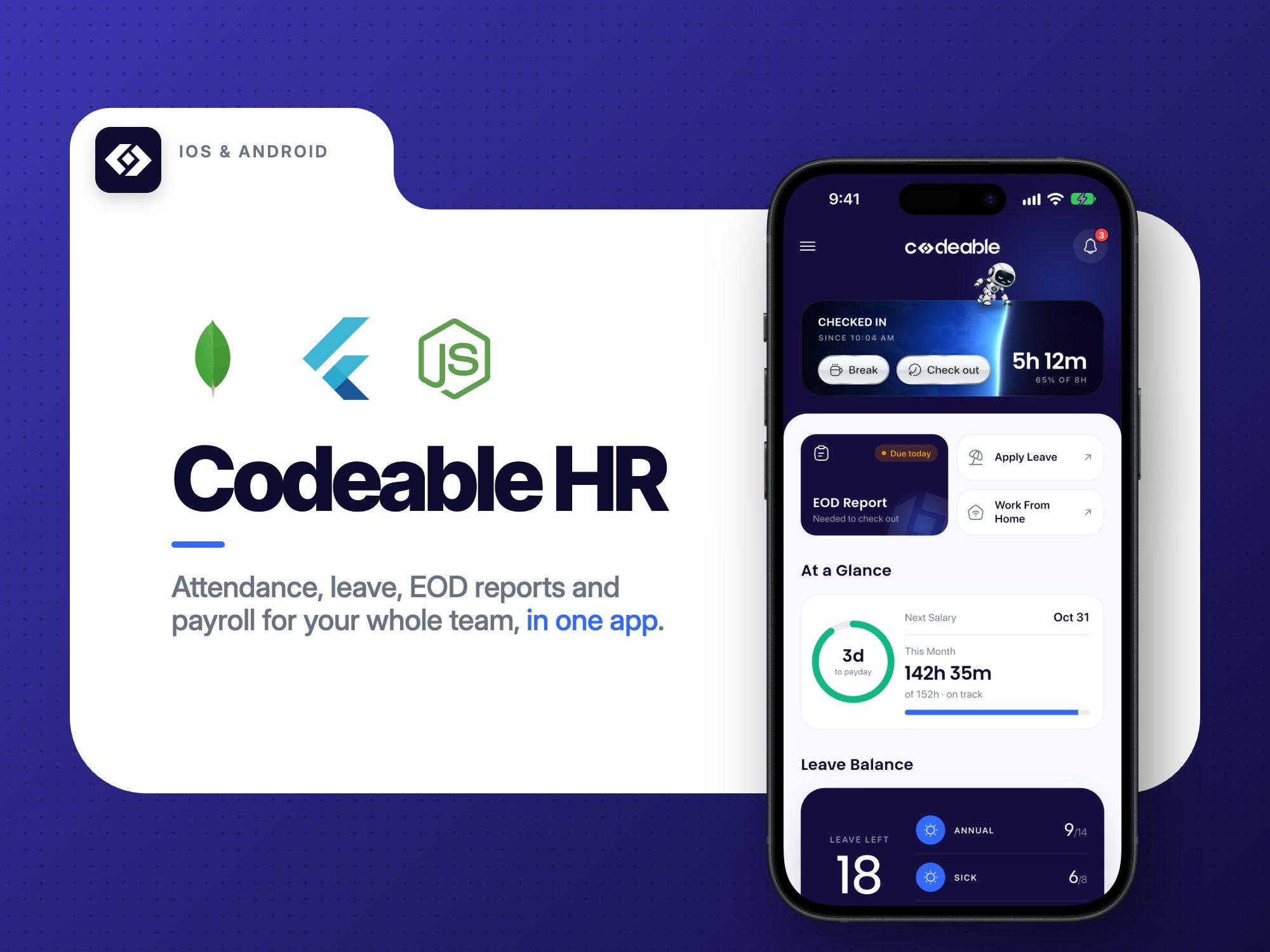
Codeable HR is a single Flutter app where what you see depends on who you are. Employees, HR and admins each get their own navigation shell, and a team lead is not a separate login: an employee who heads a department simply gains a Team hub. A Node.js, Express and MongoDB backend handles Google sign-in, scheduled jobs, uploads and push.
A working day leaves its record in too many places
Hours worked, leave requested, what got done today and what someone is owed at month end all describe the same person. When each lives in its own sheet or chat thread, HR spends the end of every month reconciling them by hand.
The people involved want very different things from that same data. An engineer wants to check in and get back to work, a team lead wants to know what the team shipped, HR wants a clean payroll, and an admin wants to know where the money went. Codeable HR puts all of it in one app.
Same app, same sign-in, different drawer
Everyone installs the same app and signs in with their Google account. Each role has its own drawer, so nobody scrolls past tools that are not theirs:
- Employees get their own day: check-in, breaks, leave and the end-of-day report.
- HR adds people, attendance logs, departments and payroll.
- Admins add the company's finances: treasury, cash flow, expenses, income, loans and equity.
A team lead is not a fourth login. An employee who heads a department gains a Team hub, with the team's end-of-day reports and leave requests, on top of their own day. In the Flutter app, a route guard opens the Team hub only to department heads.
Everyday tasks should take seconds, not forms
The home screen opens on a live check-in banner: check in, take a break, check out, with the shift's progress drawn by a custom shader. Applying for leave is a guided sentence in four steps: the type, full or half day, the date and a reason chip, with balance rings for annual, casual and sick days above it.
The end-of-day report asks for four things: the project, what got done, any blockers and tomorrow's plan. It saves a draft, shows a week strip of the days already sent and reminds you when today's is due.
Two details that make it feel fast
- Push notifications carry deep links. A tap on a leave request opens that request, not the home screen, even when the app was closed.
- Approvals update at once. Approving or rejecting a row in HR's attendance review removes it immediately, and puts it back if the server says no.
Behind it is deliberately plain: a Node.js and Express API on MongoDB, with Google sign-in, validated requests, scheduled jobs for the daily and monthly routines, receipt uploads to S3 and push through Firebase.
Questions
Do team leads need a separate account in Codeable HR?
No. An employee who heads a department automatically gains a Team hub on top of their own employee view.
How do people sign in?
With their Google account, in the same app for every role.
What does a notification open?
The exact item it is about, such as a specific leave request, even if the app was closed.