- Industry
- Healthcare
- Product type
- Two-sided AI platform
- Period
- Jul, Aug 2026
- Platforms
- iOS, Android, API
- Services
- Product DiscoveryUX DesignCross-platform ApplicationsAI IntegrationBackend SystemsAPIs
- Technology
- Flutter · Dart · BLoC/Cubit · Node.js · MongoDB · Firebase Cloud Messaging
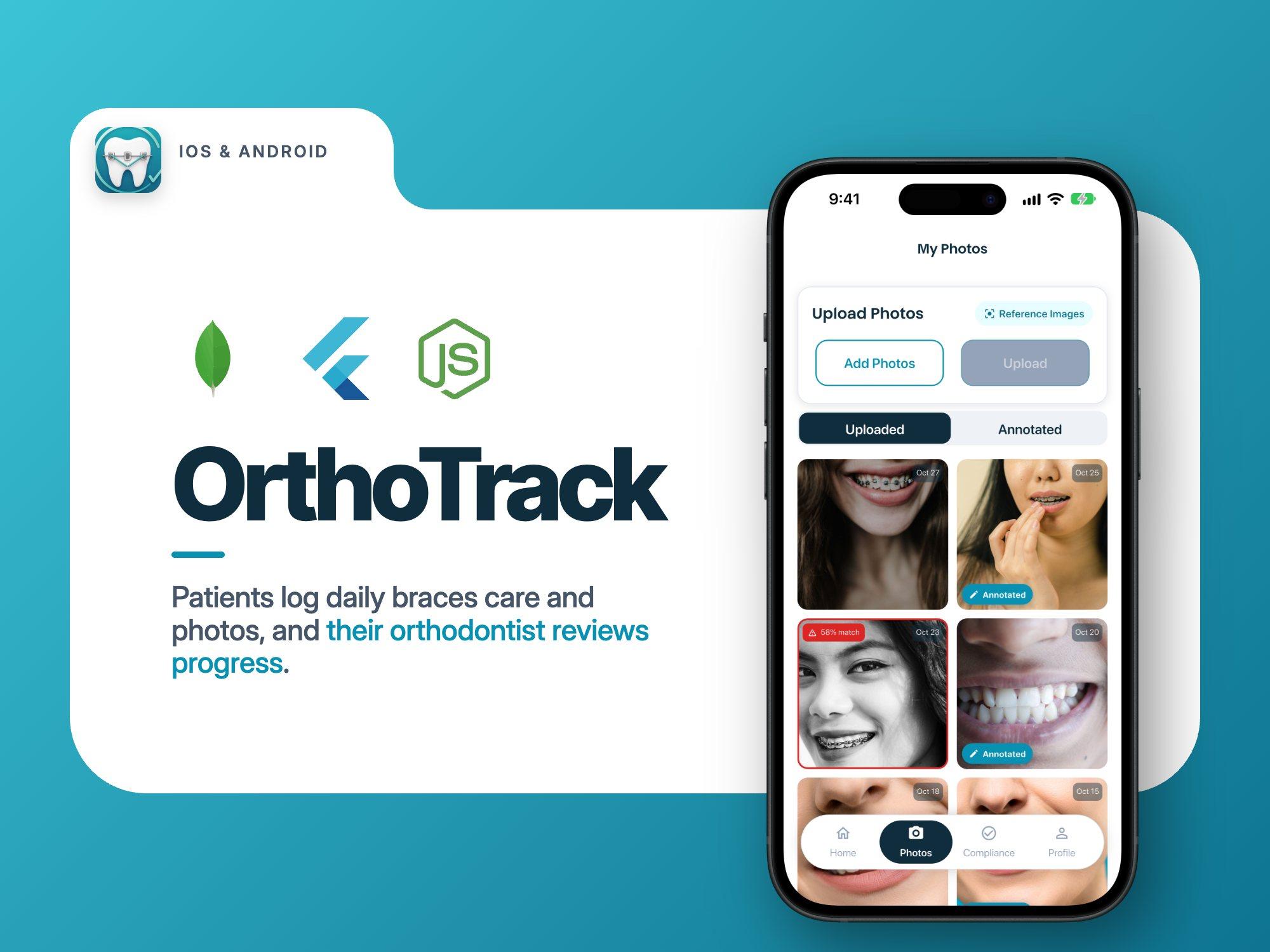
Orthodontic outcomes depend on what happens at home: elastics worn, teeth brushed, photos taken at a comparable angle. Between appointments a clinician can see none of it. OrthoTrack gives the patient a short daily check-in and scores their progress photos against therapist-set reference images automatically, so a problem reaches a human while it still matters.
- What we did
- Built the cross-platform mobile application and the backend infrastructure powering it, including the automated photo review pipeline and the alerting behind it.
- Outcome
- What used to be a question asked at the next appointment is now a record. Patients follow a short daily list, and a low-scoring photo alerts both sides the same day instead of waiting weeks for someone to notice.
The problem
The treatment happens at home; the visibility didn't
Between appointments, a clinician's only source of truth is what the patient remembers and is willing to report. Compliance is the largest variable in the outcome and the least observable one.
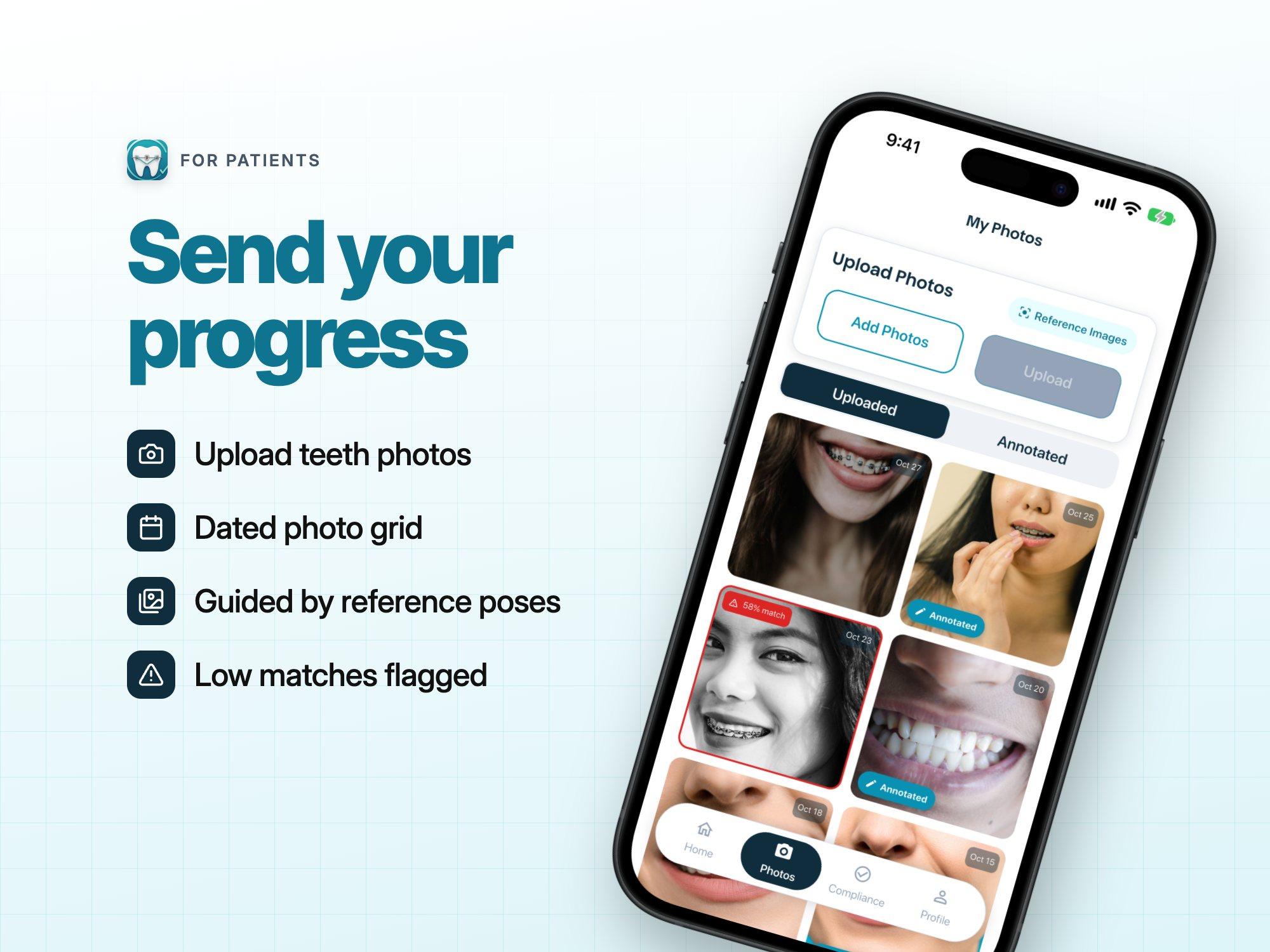
Progress photos made it worse rather than better: taken at inconsistent angles and distances, they cannot be compared to each other, so they show change without showing whether it is real.
The approach
Two apps, one record, and a reviewer that never sleeps
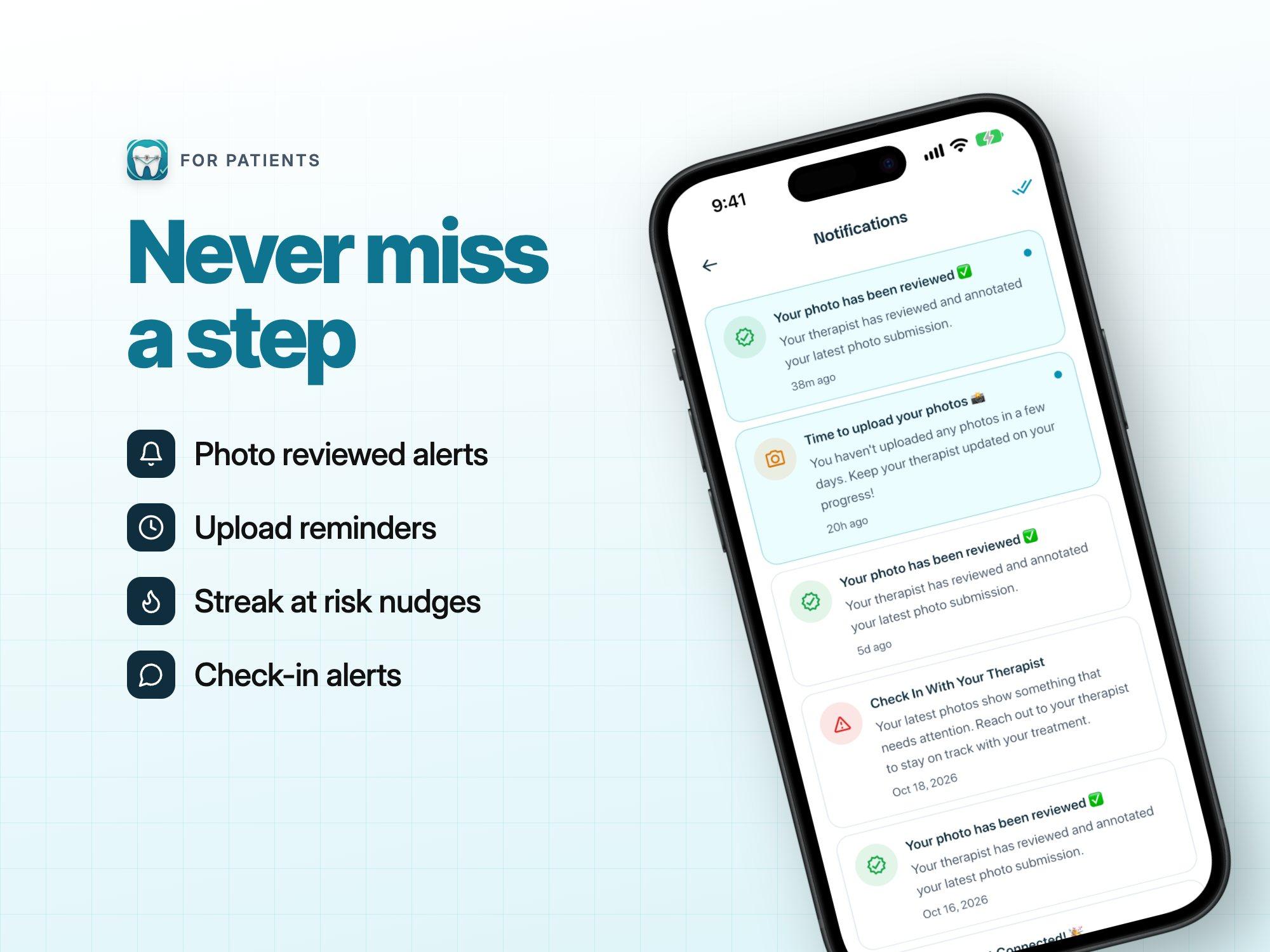
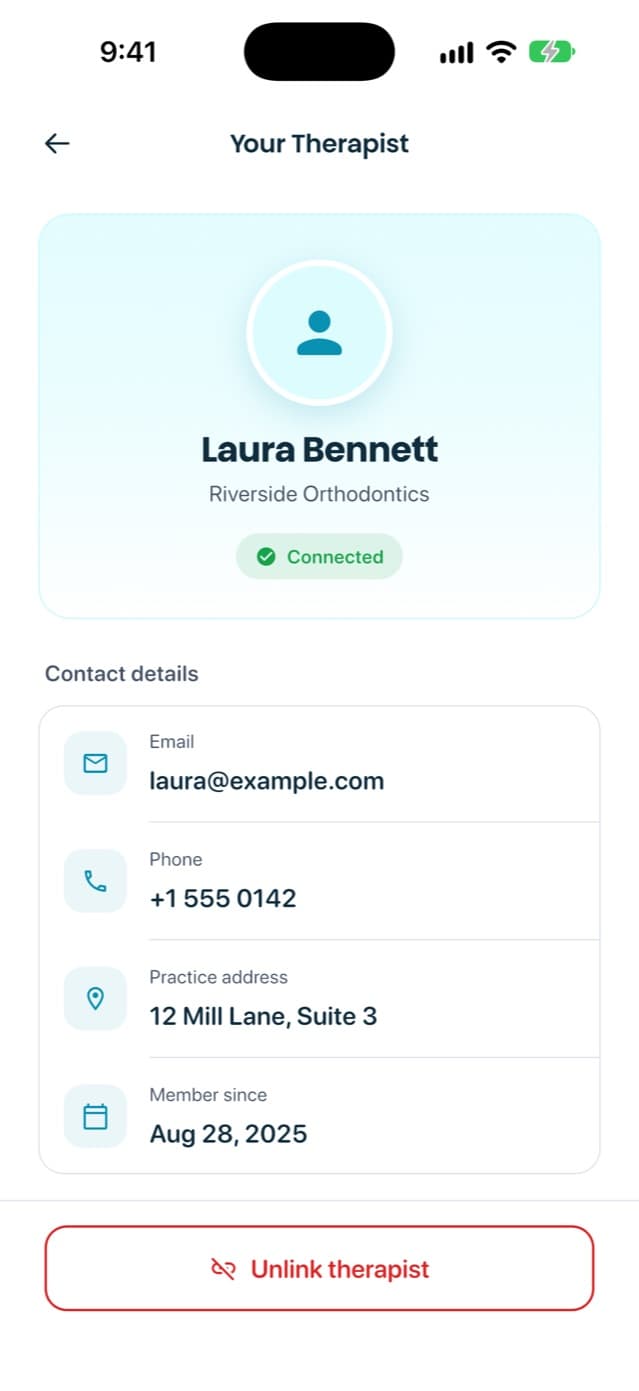
Patient and clinician need genuinely different products: one is a two-minute daily habit, the other is a review tool, so the account chooses its side at sign-up and the interfaces diverge from there.
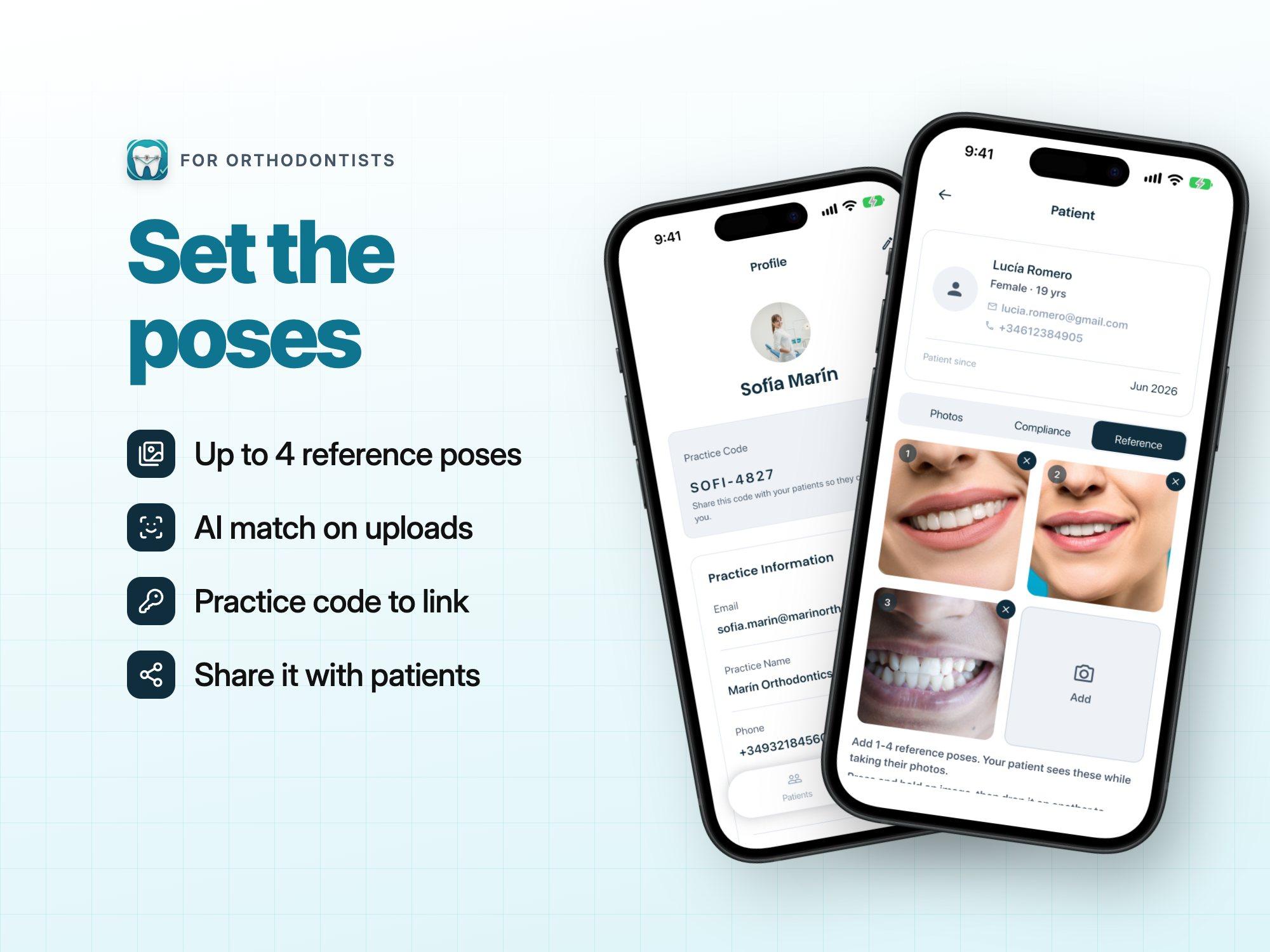
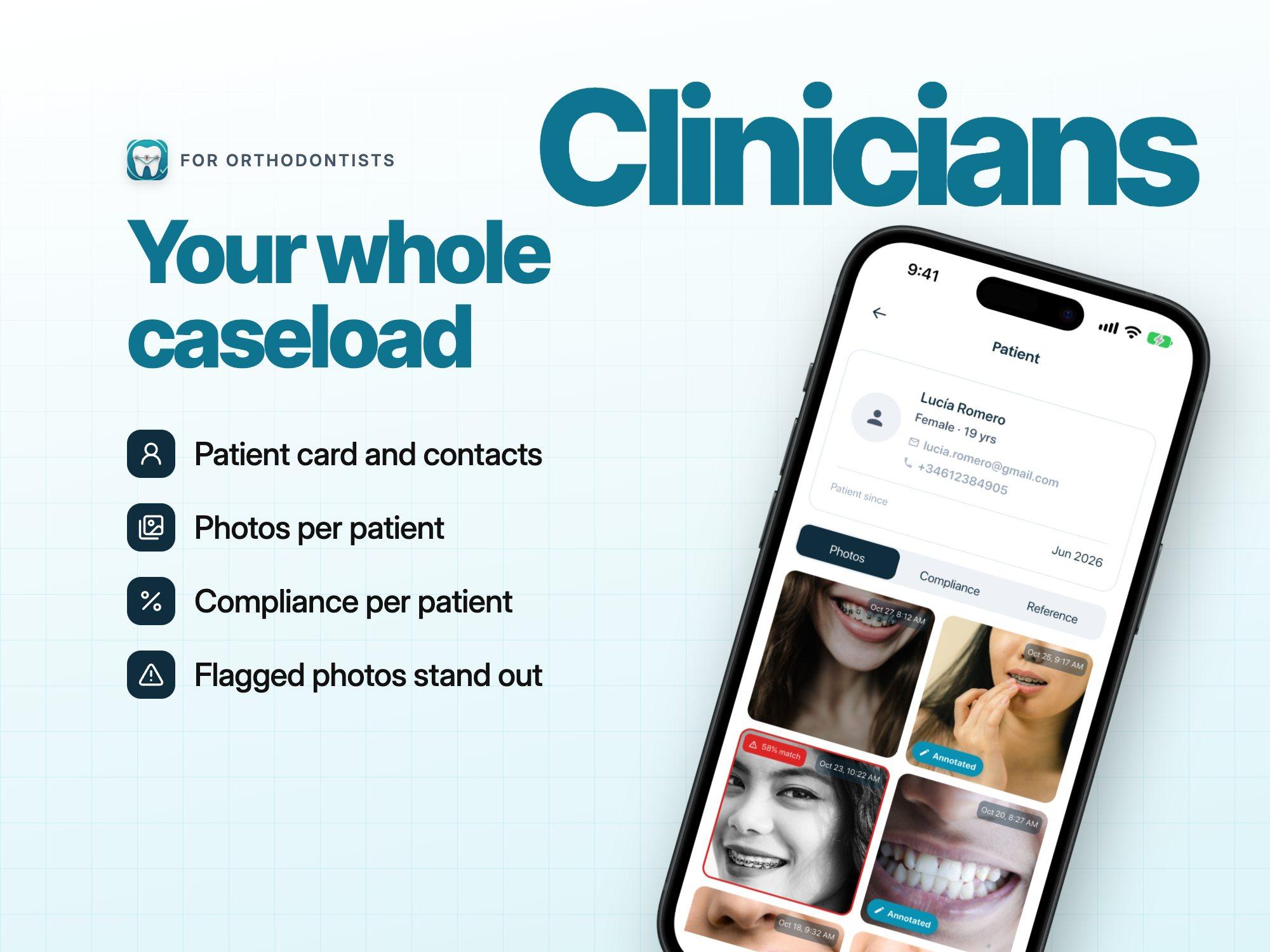
The piece that ties them together is reference images. A therapist assigns them; the patient sees them while taking their own photos; and a background job then scores each upload against them with a vision model. A low score alerts both the patient and their therapist, so a human looks sooner rather than at the next appointment.
- One account model, two distinct interfaces chosen at sign-up
- Therapist-maintained reference images, shown to the patient at capture
- Automated scoring of every upload against those references
- A low score notifies both sides the same day
Design
A daily list short enough to actually complete
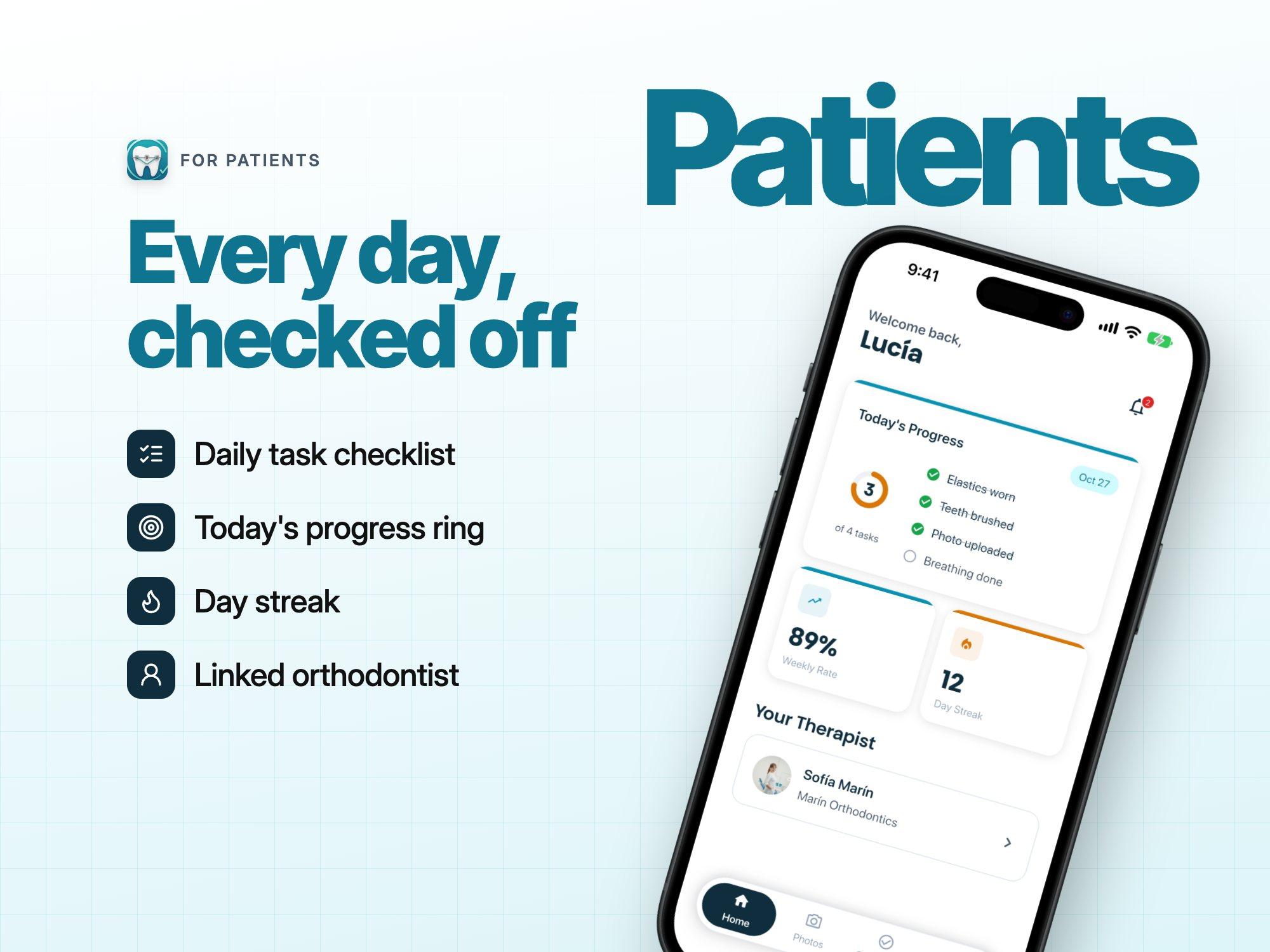
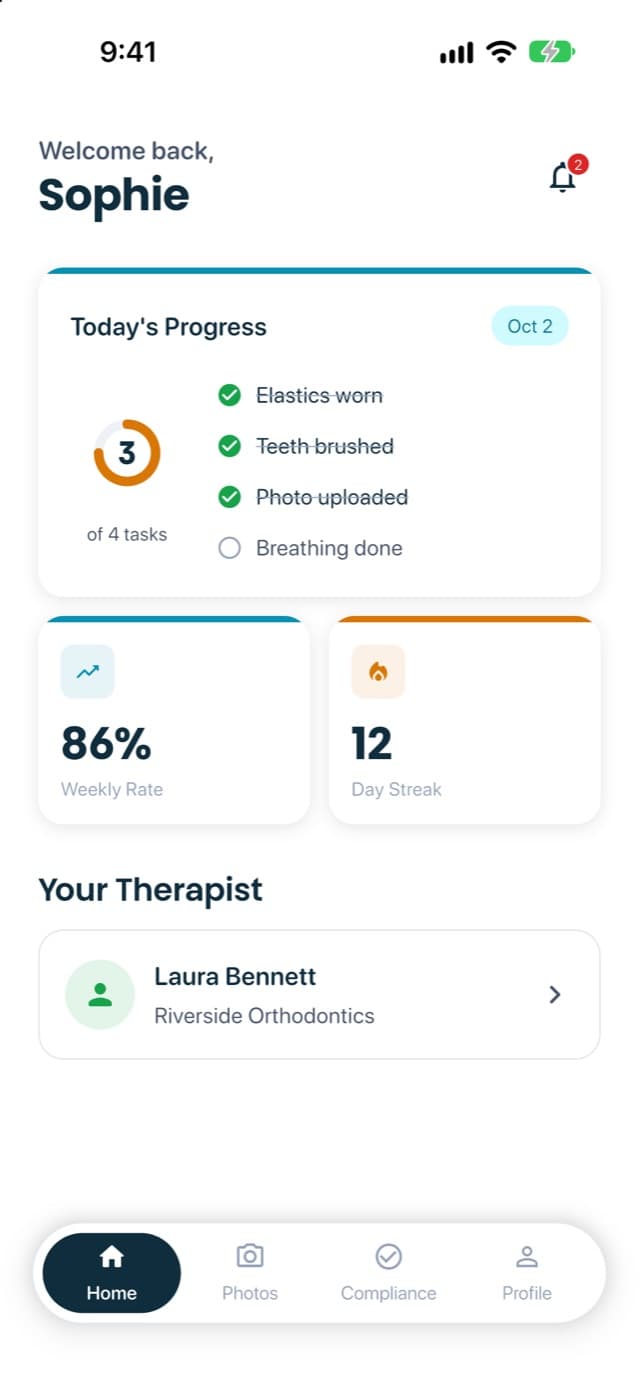
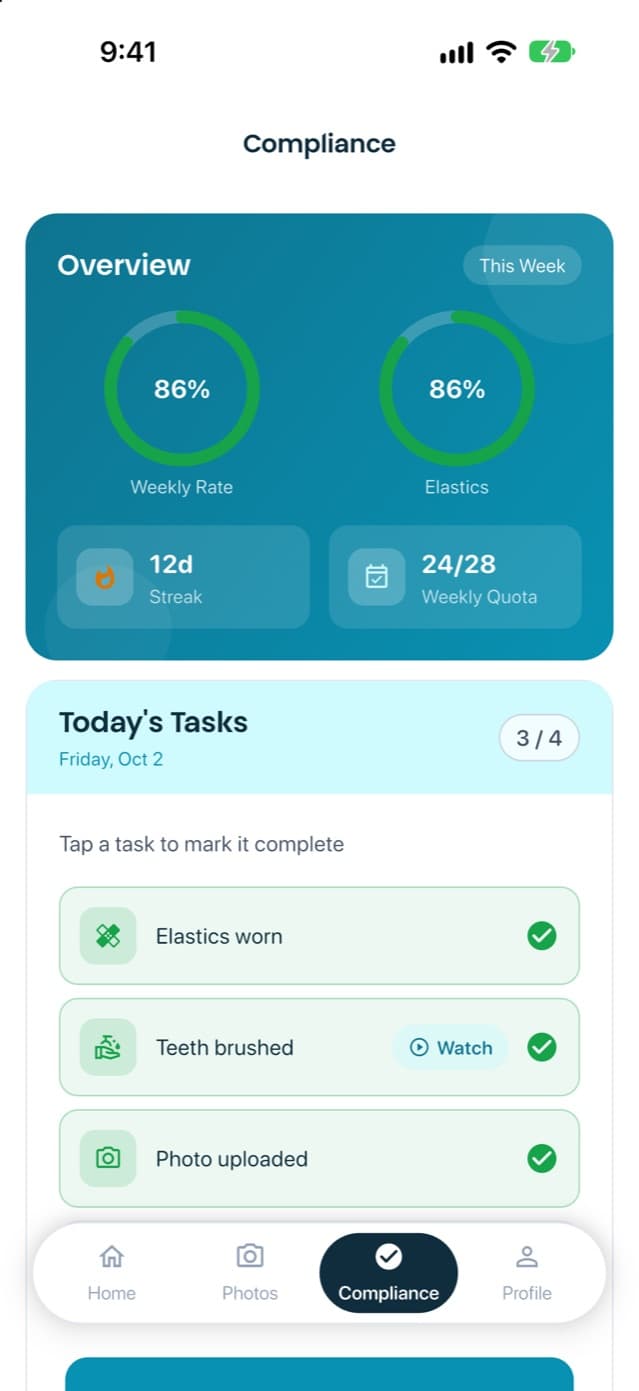
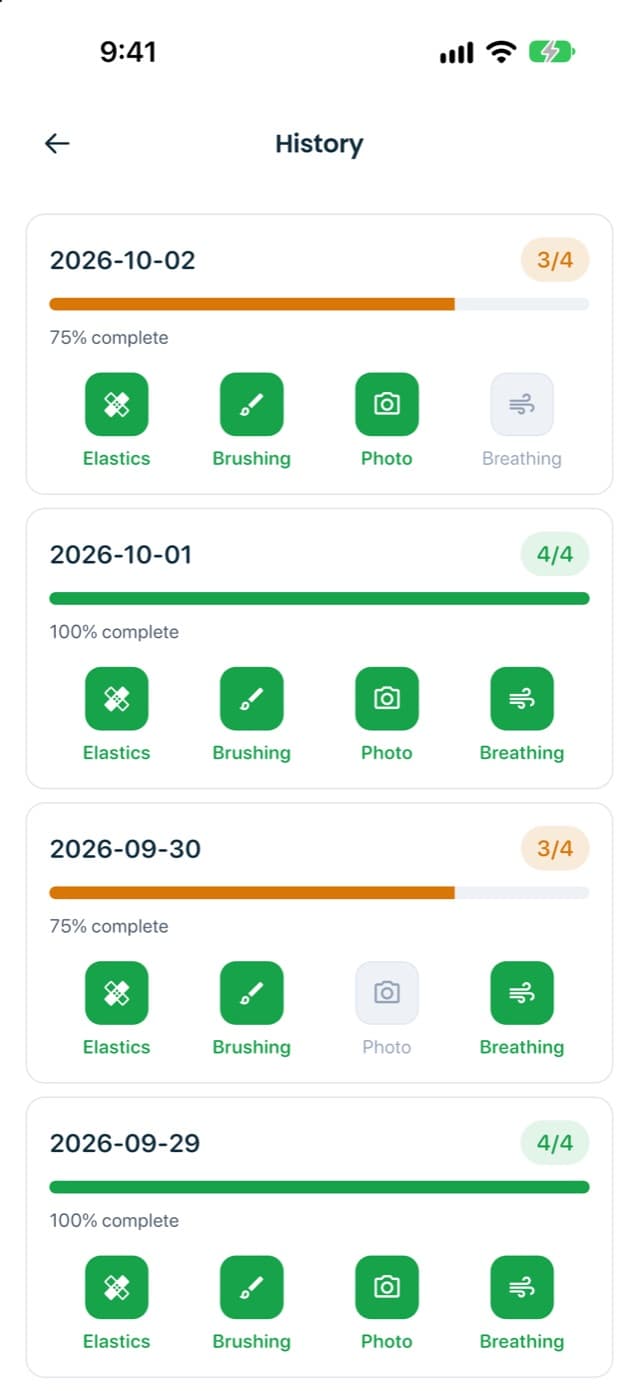
The patient's home screen is four tasks and a progress ring: elastics, brushing, a photo, a breathing exercise. It is deliberately finite: a list you can finish is a list you come back to, and the streak is there to reward the habit rather than to punish a missed day.
The clinician's side inverts the priority: patient search first, then a record with photos, compliance and reference images as tabs, so a review takes seconds rather than navigation.
- Four daily tasks, completable in about two minutes
- Weekly compliance rate and day streak on the same screen as the tasks
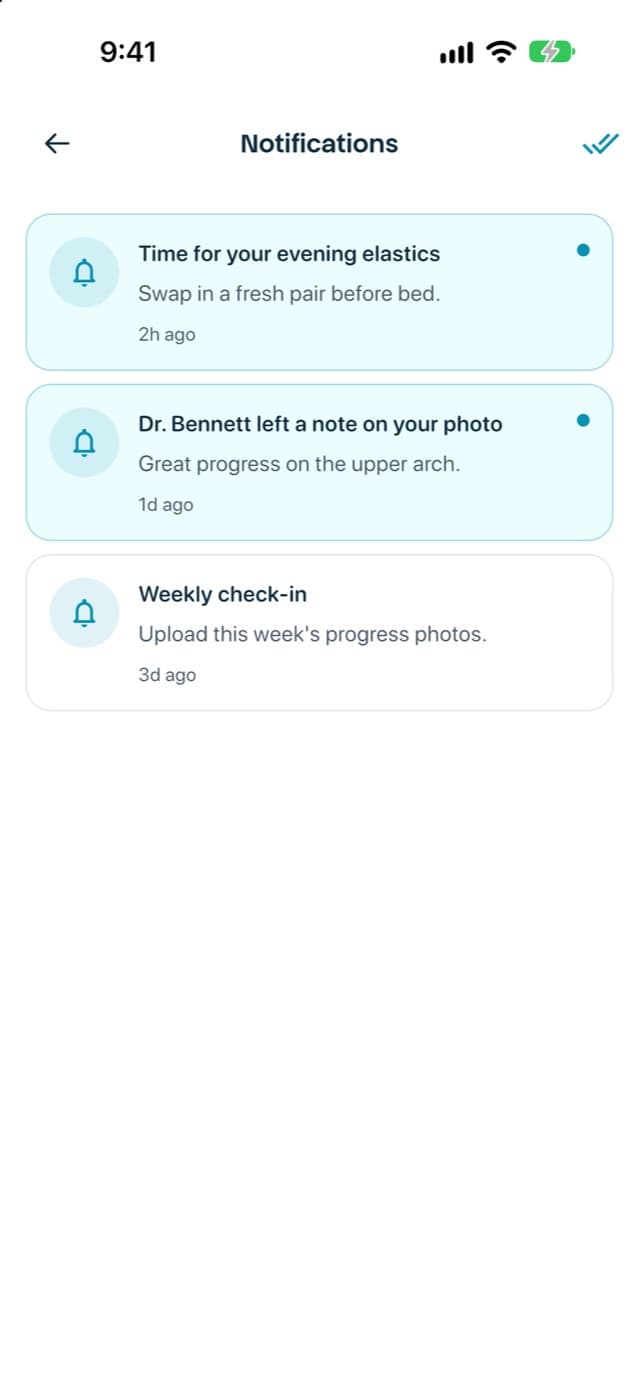
- Reminders timed to the end of the day, while there is still time to act
Build
Scoring runs behind the request, not inside it
Photo review is a background job, not part of the upload. The patient's capture completes immediately; the vision model scores it afterwards against the assigned references, and only a score below threshold pushes a notification. Putting the model in the request path would have made the slowest, least reliable dependency the thing standing between a patient and the one action you need them to take.
The Node.js and MongoDB backend holds patient records, media and the compliance history; Firebase Cloud Messaging carries the alerts.
- A background job scores uploads; the capture never waits on the model
- Alerts pushed via Firebase Cloud Messaging only below a score threshold
- Node.js and MongoDB for patient records, media and compliance history
- Clean Architecture with BLoC/Cubit across one Flutter codebase for both sides
Result
Compliance is now something you can look at
The appointment conversation changes when both sides are looking at the same record rather than negotiating recollections.
The reference-image mechanism turned out to be the load-bearing idea twice over: it is what makes a series of phone photos comparable at all, and it is what gives the scoring something to score against.
Inside the app
Real screens, demo data
06Book a call
Building something like this?
Book thirty minutes and we'll tell you quickly whether we're the right team for it, and roughly what it takes.
- 01You pick the slot
- 02Bring anything you have
- 03We come prepared
Your idea stays yours. Read only by the people who would build it, never reused, never passed on. Happy to sign your NDA first.
Pick a time. We'll tell you what it takes.
Thirty minutes, no pitch deck. Bring a rough idea or a finished spec, and leave with a straight answer on scope, cost and whether we're the right team.
- 01You pick the slotA live calendar, not a queue. Most people find something inside forty-eight hours.
- 02Bring anything you haveA spec, a Figma link, screenshots, a competitor you like, or nothing at all.
- 03We come preparedWe read whatever you send beforehand, so the call starts at the interesting part.
Your idea stays yours
- What you share stays between you and the people on your project.
- We never reuse your concept, your research or your materials elsewhere.
- Happy to sign your NDA before the call, or send ours.
We read every brief and reply within 60 minutes.
Prefer to write? with your files instead, or email abdullahmughal1976@gmail.com.